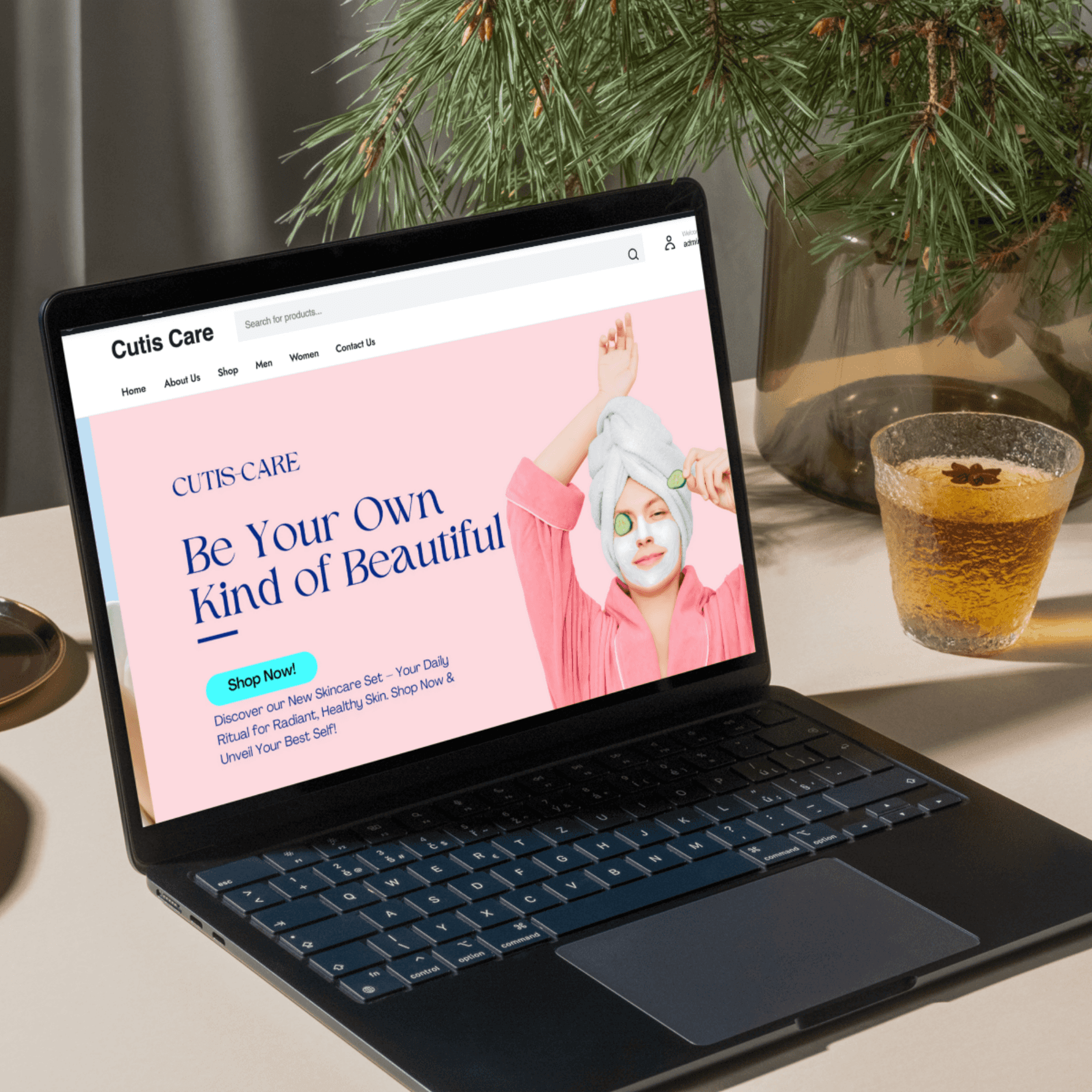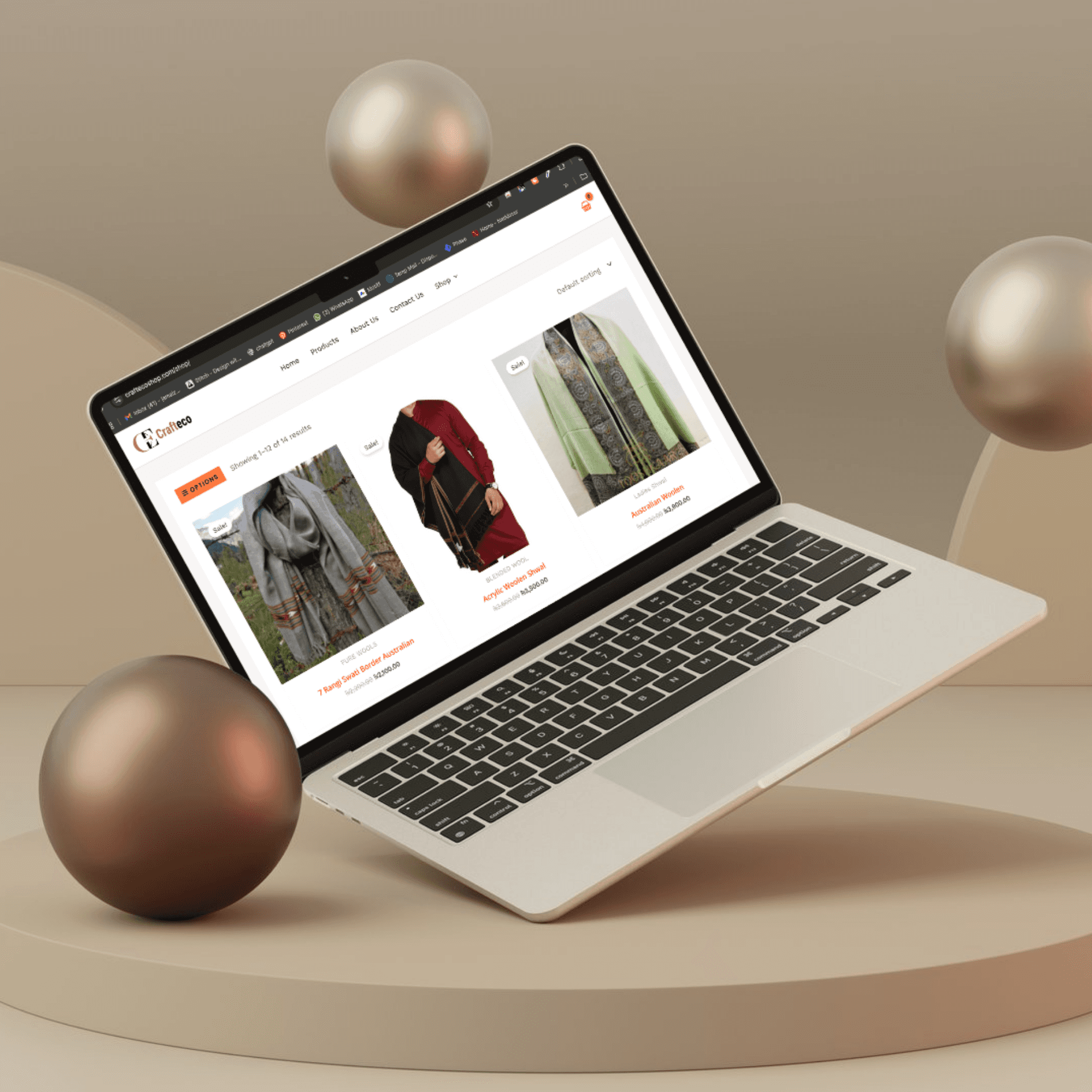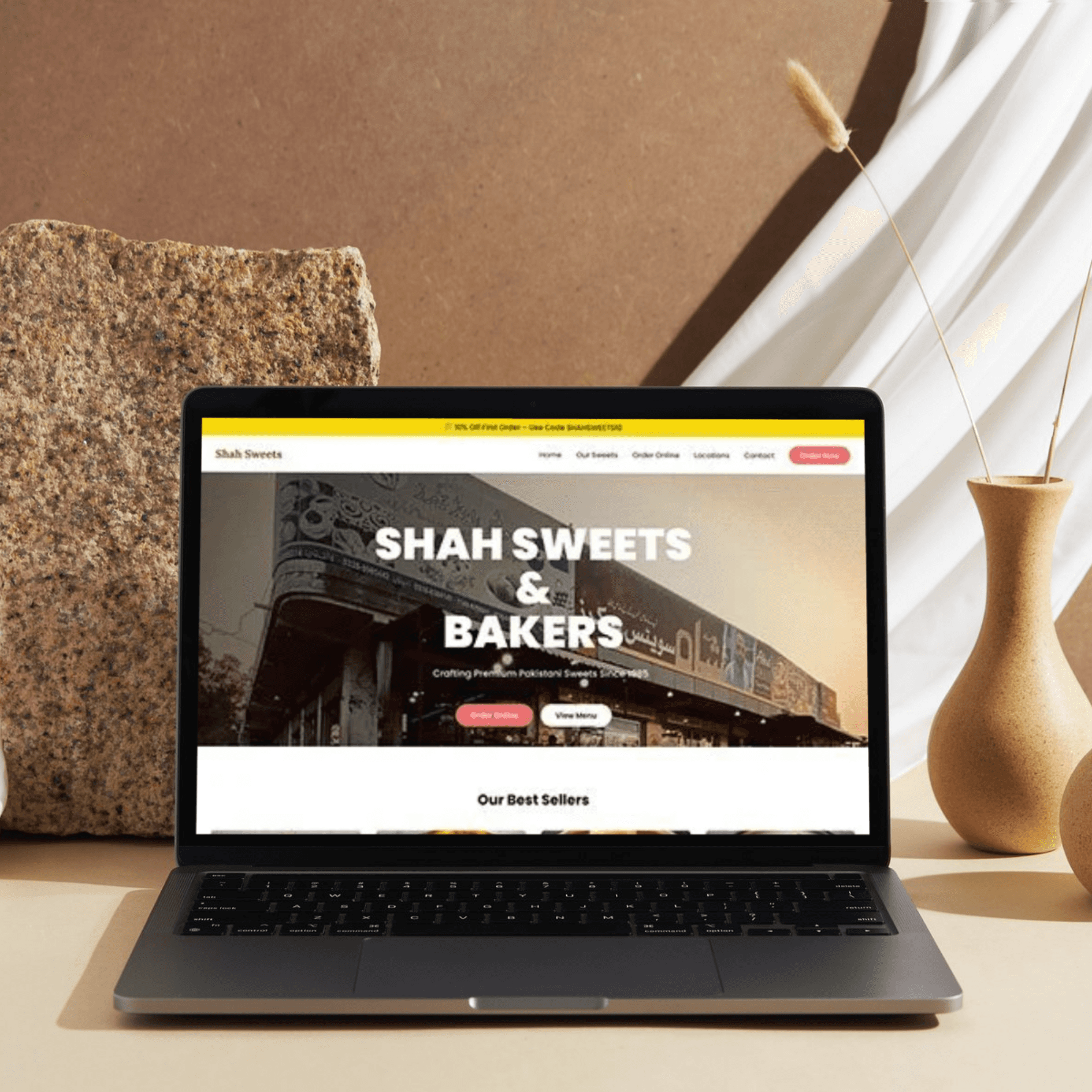
Designer Portfolio – Crafting Your Digital Identity
A designer portfolio website is more than just a collection of work; it’s a representation of your style, process, and expertise. It should reflect your creativity while making it easy for potential clients or employers to view your best work, understand your capabilities, and connect with you. In Figma, your portfolio should be designed with precision and elegance, ensuring that every element serves a purpose and enhances the user experience.
My Approach
The portfolio should be clean, modern, and responsive, with a design that highlights your skills while keeping the focus on your work. It must be intuitive, easy to navigate, and optimized for both desktop and mobile. By using Figma, you can prototype interactive, pixel-perfect screens to demonstrate how the portfolio will look and feel in real life.
Key design principles:
Visual hierarchy: Prioritize important elements like your work, skills, and contact details.
Whitespace: Allow room for your work to breathe, preventing clutter.
User experience: Ensure that navigation and interaction are intuitive and fast.
Brand identity: Your portfolio should reflect your design style (whether minimalist, bold, elegant, etc.).
Vision and Innovation
The vision behind a designer portfolio website is to:
Showcase your best work through high-quality images and clean layouts.
Demonstrate your process: Show how you approach a project, from ideation to execution.
Ensure usability: Ensure that visitors can easily access your work, contact information, and skills.
Build trust: Potential clients or employers should feel confident in your ability to deliver.
Mobile-first: Optimize the design for mobile users, as many visitors may browse on their phones.
Identifying Unique Challenges
Some challenges you might encounter while designing a portfolio:
Balancing aesthetics with usability: It's easy to focus too much on visuals and neglect navigation and user experience.
Keeping it concise: Showcasing your best work without overwhelming visitors.
Creating an interactive experience: Making sure the portfolio is not just static but interactive and engaging.
Resolving Complex Problems
Navigation & Interaction: Use Figma’s interactive prototyping features to show how the user would transition between sections.
Include smooth transitions when scrolling, and ensure that hover states or clickable elements are clear.
Consider a sticky header with essential links like "About", "Portfolio", "Contact", and "Blog."
Responsive Design: Design for multiple screen sizes, ensuring the portfolio looks just as good on mobile as it does on desktop.
Figma’s constraints feature allows you to create responsive layouts that automatically adjust based on screen size.
Use a grid system for structure and alignment.
High-Quality Imagery: Use optimized images to ensure quick load times while maintaining a high visual standard.
User-Centric Design
Minimalist Layout: Focus on the work itself. Use a clean, clutter-free layout with ample whitespace.
Visual Hierarchy: Ensure key sections (portfolio, about me, contact) are easily accessible, without overwhelming the user.
Typography: Choose fonts that align with your personal brand and are easy to read.
Interactive Elements: Add hover effects, animations, and transitions that enhance the user experience.
Pages & Flows Overview
Homepage (Landing Page):
Introduce yourself with a hero section that features a brief tagline and a portfolio teaser.
Include a call-to-action (CTA) that invites visitors to explore your portfolio or get in touch.
About Me:
A section detailing your background, design philosophy, and skills.
Optionally, include your resume and a downloadable PDF for potential employers.
Portfolio Page:
Feature a curated selection of your best work with thumbnail images.
For each project, include a case study with the problem, process, and solution, demonstrating how you approach design challenges.
Add categories or filters (e.g., Web Design, Branding, UI/UX) for easy browsing.
Blog/Insights (Optional):
Share your thoughts on design trends, creative processes, or industry insights. This adds value and shows your thought leadership.
Contact Page:
Include a simple contact form for inquiries.
Display your social media profiles and email address.
Consider embedding a Google Map or location if relevant.
Features at a Glance
Responsive, Mobile-First Design: Optimized for all screen sizes.
High-Quality Visuals: Showcase work with beautiful imagery and well-organized galleries.
Interactive Prototypes: Show off animations and transitions.
Portfolio Filters: Allow users to filter projects by category.
Simple Contact Form: Easy way for visitors to get in touch.
CTA Buttons: Clear action-driven buttons for exploring the portfolio or contacting you.
Easy Navigation: A clear, sticky navigation bar or hamburger menu for quick access to various sections.
Conclusion
Your designer portfolio website should be a direct reflection of your design capabilities — clean, organized, and functional. Figma allows you to bring this vision to life with its prototyping and design tools, ensuring a user-friendly and aesthetically pleasing experience for visitors. With a focus on minimalism, usability, and showcasing your work, your portfolio will stand out to potential clients, employers, and collaborators.
Show your work. Showcase your craft. Shine with your portfolio.